
The Happo job page was built for reviewing a handful of projects at a time. For teams running hundreds or even thousands of projects in one job, that experience needed to scale. We've shipped two improvements that make large jobs much easier to review.
One-click reviews
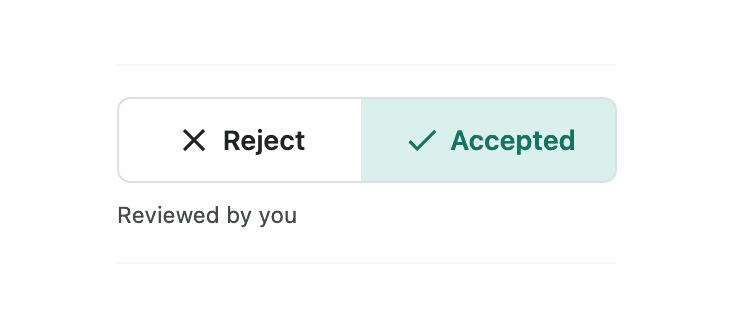
We simplified individual review decisions. Accept and Reject are now one-click toggle buttons on both the job page and the comparison review page, replacing the previous two-click dropdown workflow.
Every individual review now takes less effort, which compounds as the volume of reviews increases such as when a core change produces diffs across many projects or when you are working on a lot of different pull requests throughout the day.
The new review controls are available on the comparison page and on the job page for multi-project jobs.
The job page now scales to 1,000+ projects
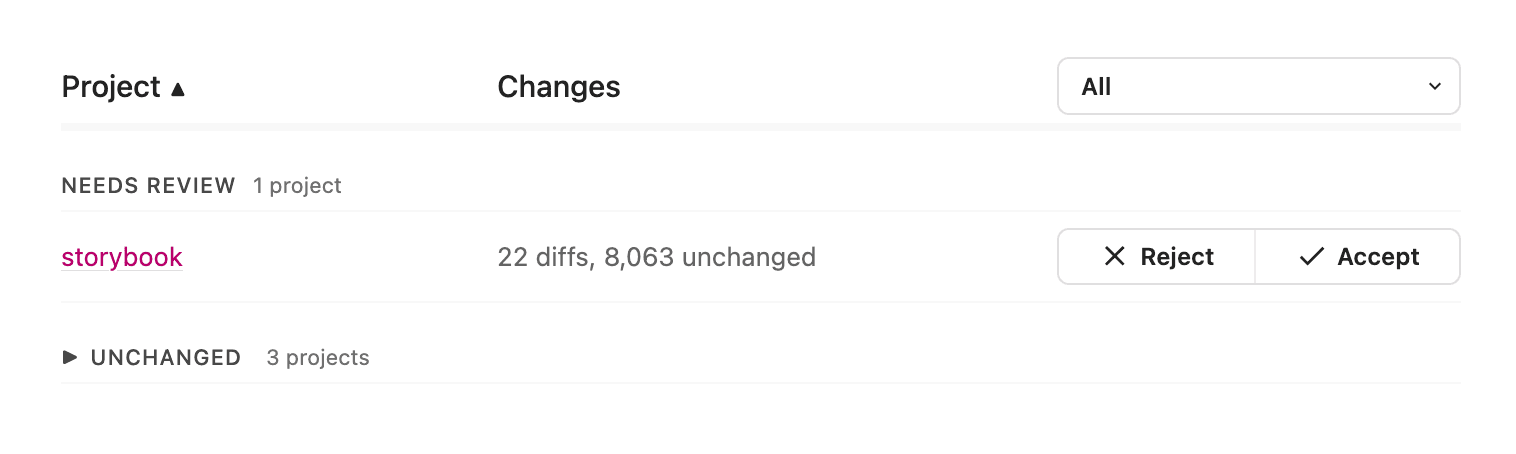
If you are using multi-project jobs, you'll see some improvements to the job page: projects grouped by status, sortable columns, and unchanged projects tucked out of view. A summary line shows how many completed projects have diffs, so reviewers can quickly understand the visual blast radius of a change.
These changes are especially useful for teams with large monorepos, multiple integration types, or project ownership split across many teams. As visual and accessibility testing coverage grows, the job page stays focused on the changes that matter, and makes it faster to act on them.
Sortable columns
When you need to find the right projects in a large job, you can sort the table by its columns instead of working through the list in its default order. Sort by status to group work that needs attention, or use other columns to bring the projects most relevant to your review to the top.
Unchanged projects hidden
Instead of scanning a long list of "No diffs" rows, you can focus on the work that needs attention. In one large job, this reduced the visible list from more than 1,000 projects to just over 100 relevant rows.
Summary diff count
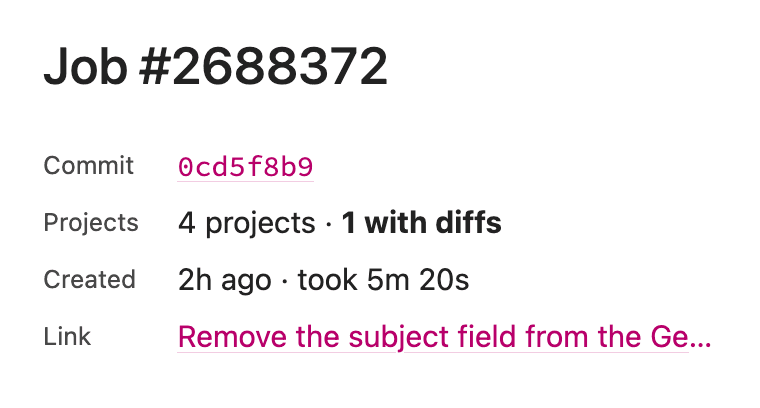
The diff count also helps reviewers decide how to proceed. A small, consistent set of diffs may be easy to review directly. A larger or more varied set can signal that it's time to involve project owners or use additional review tooling.
Get started with multi-project jobs
Happo's multi-project jobs let you run and review many projects together in one job and a single status check. It's a useful way to coordinate visual and accessibility testing across a monorepo while keeping the results in one place.
Learn how to set up multi-project jobs.
Whether you're reviewing a few projects or thousands, these updates make it easier to focus on the diffs that need a decision and move through them with less friction. Try them in your next Happo job and let us know what you think.

